Quote app + habit tracker
Right when it's time to start,
your task arrives with a quote
Set what you want to do, like reading or a workout, and when.
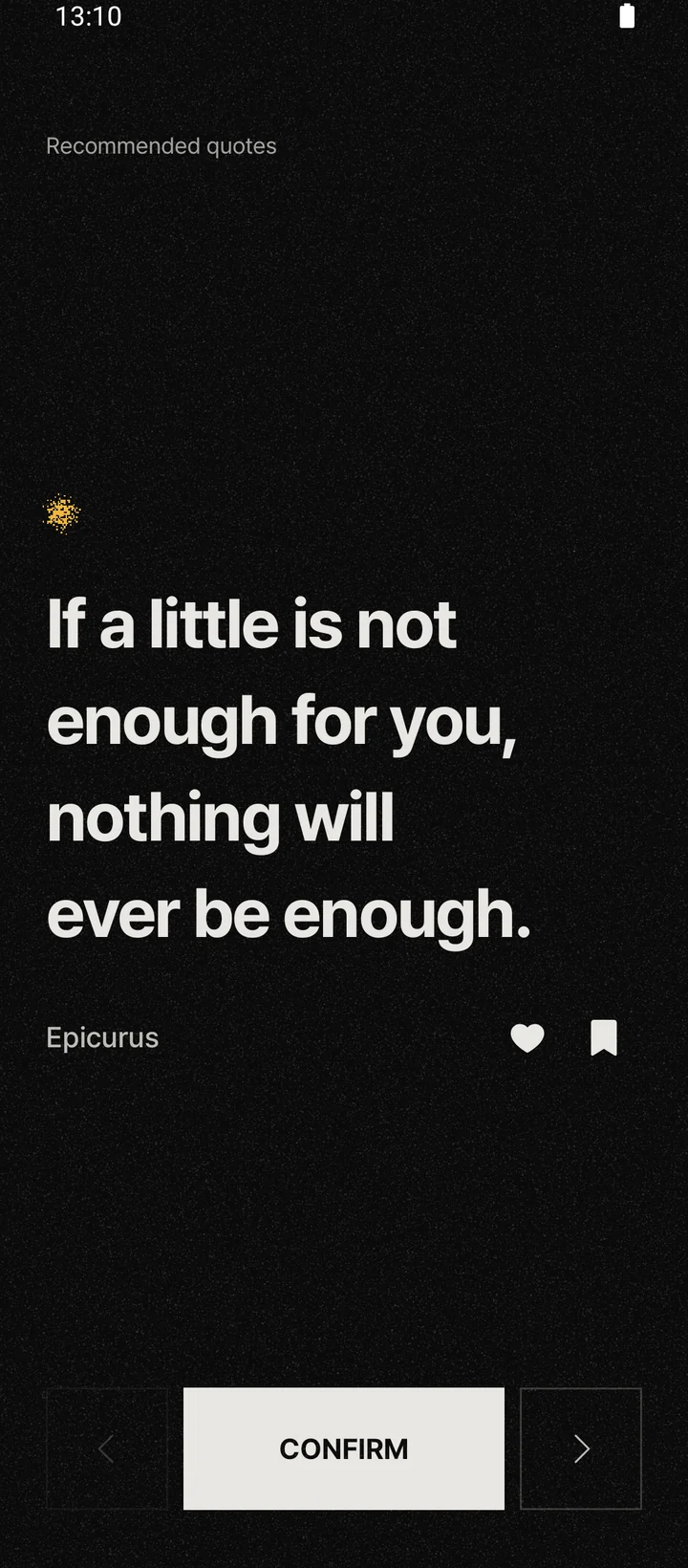
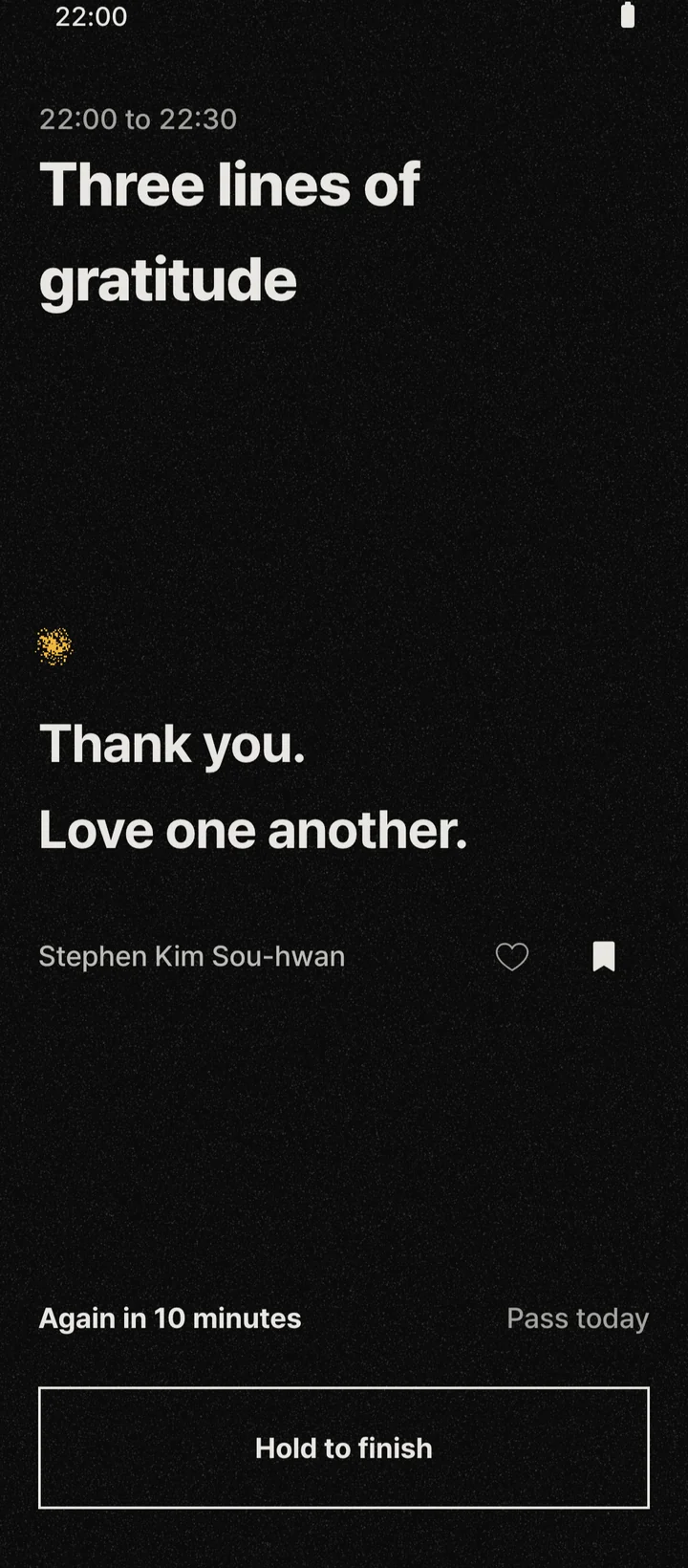
At that time, a quote to get you thinking arrives on screen with your task.
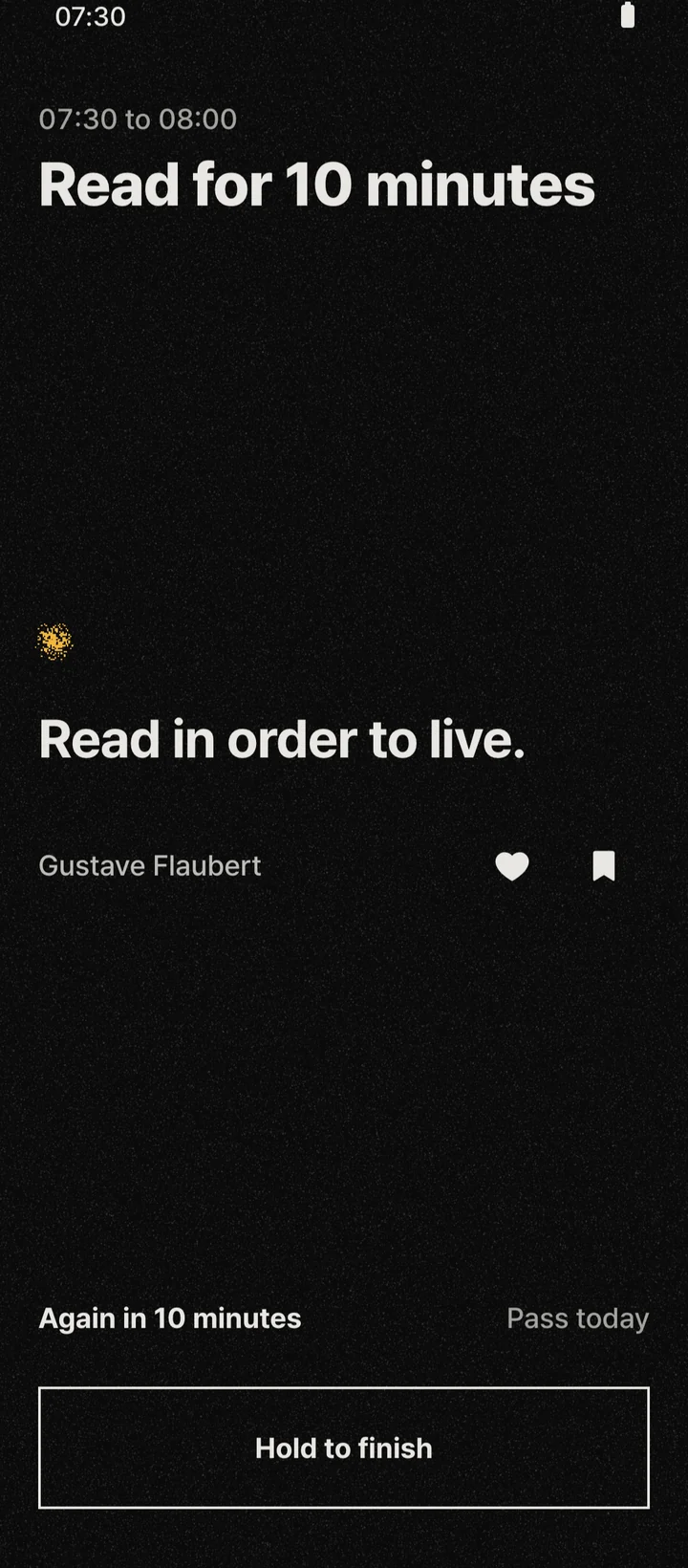
- 07:30Read for 10 minutes
- 12:10When you unlock
- 22:00Three lines of gratitude
01The problem
Task reminders get swiped away,
and good words fade once read
A reminder only says what to do, so it is easy to dismiss. The line that moved you this morning is gone by the time you need it.

02The answer
When it's time, your task
and a quote arrive together
Set the task and the time, and at that time a quote that fits arrives on screen with it. Choose how each routine reaches you.
03Start
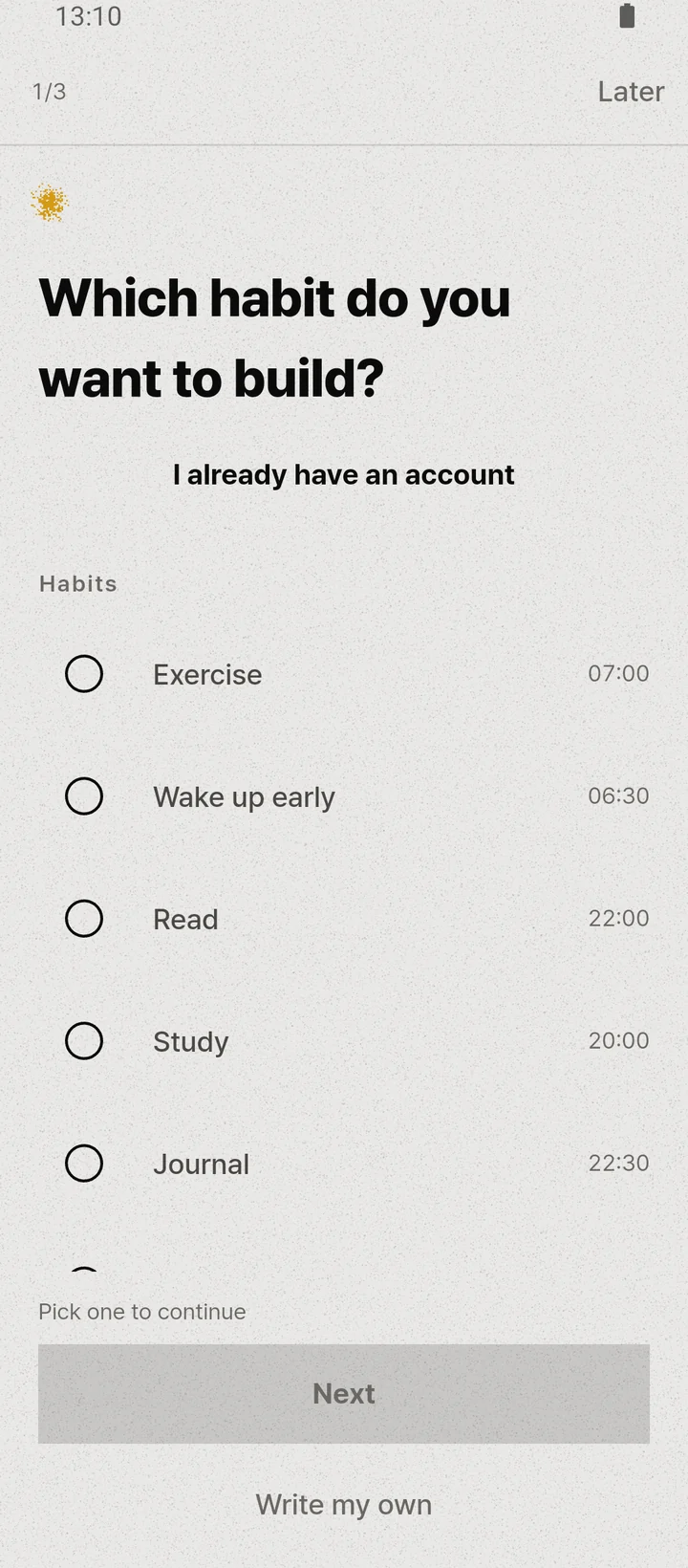
Pick just one habit.
The words are ready
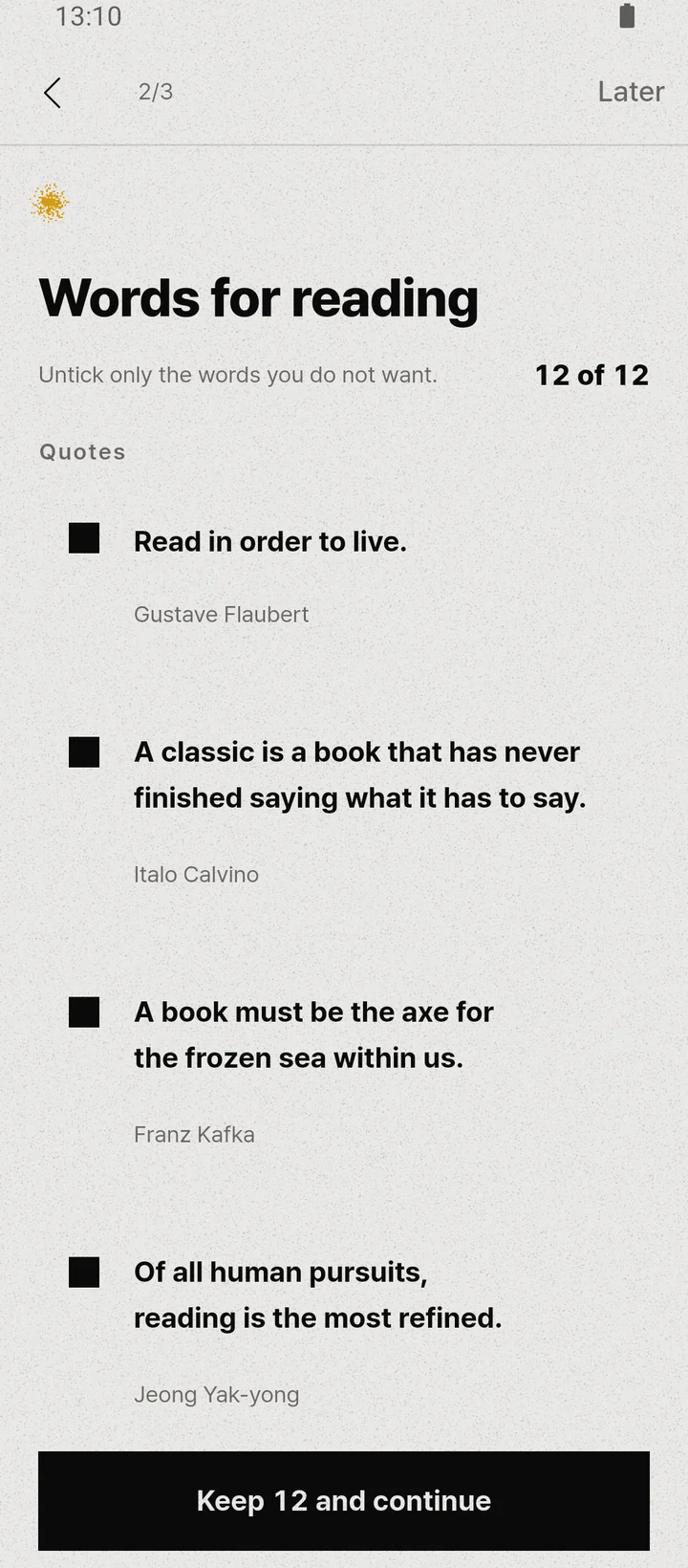
Choose one, like exercise, reading or journaling, and quotes that suit it are already picked. Browse lists picked by MARDL and the people who said them for more.
04Set up
When, what,
and with which words
Set the task, the time and the days, then pick where the quotes come from: MARDL picks, your likes, words that moved you, a speaker or your own lists. You can also get just a quote, with no task.

05Keep
Words that stay with you,
saved, not screenshotted
Tap save to put a quote into your lists, or add your own book lines and personal mottos directly. Keep lists like Morning reads or For hard days, and each one can feed a routine alarm.


06Take it easy
On hard days,
snooze or pass today
From the alarm, ask again in 10 minutes or pass for today. On the days you do it, hold to finish.
07Look back
At the end of the day,
see the words that moved you
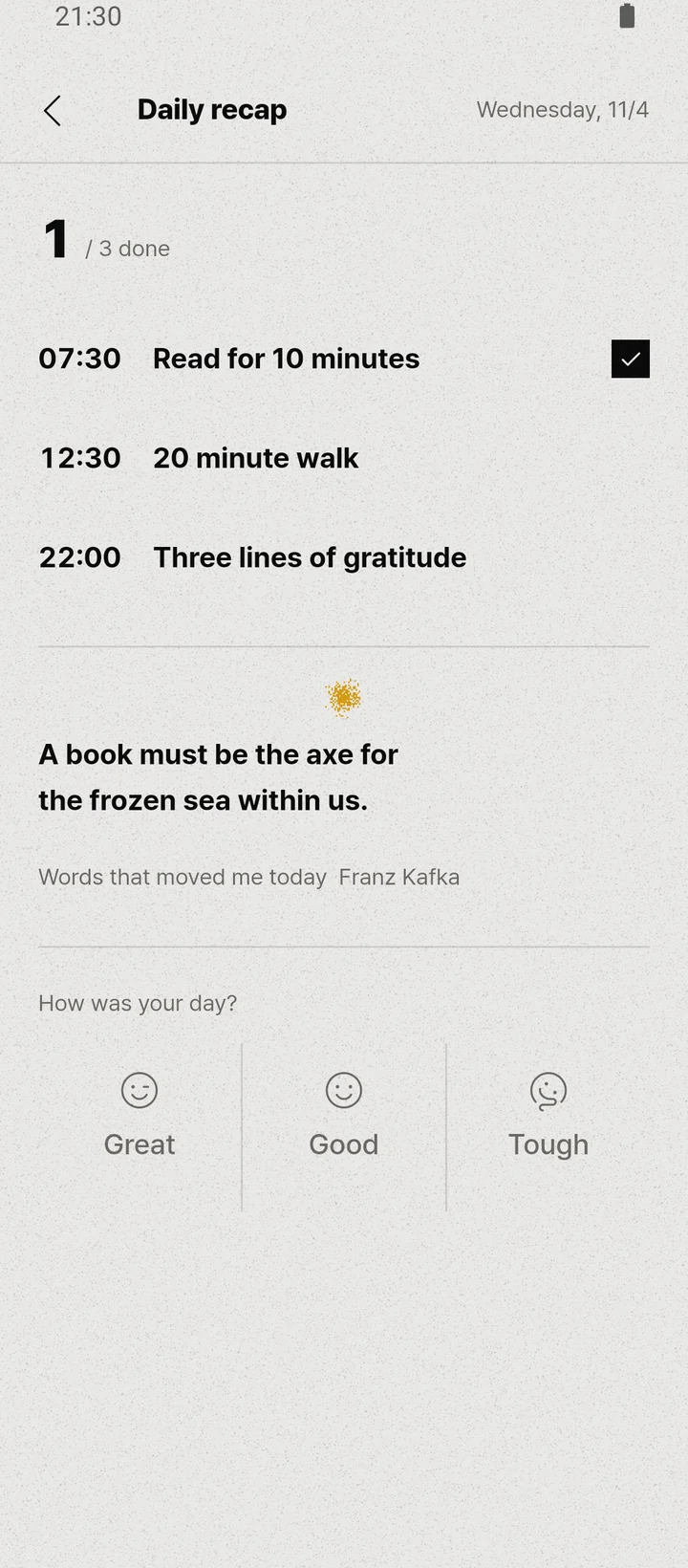
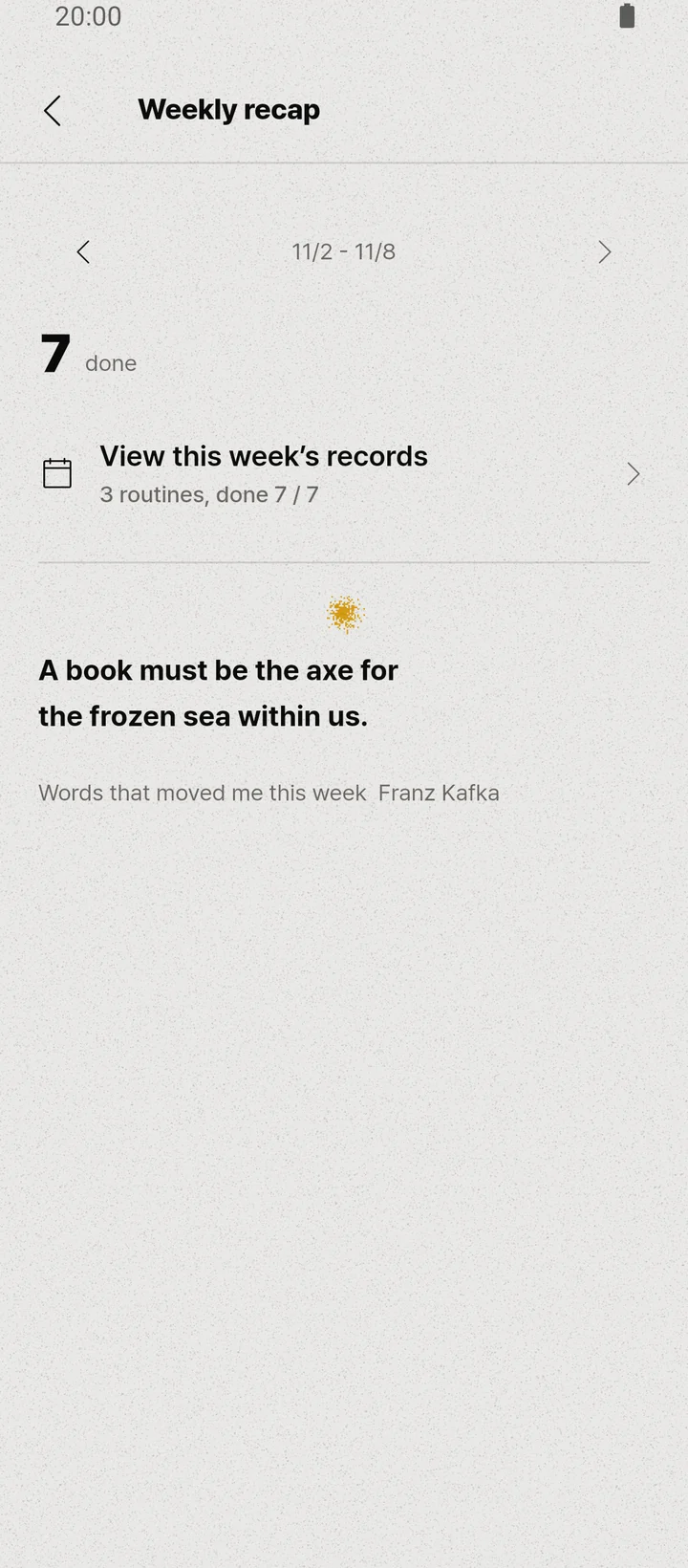
The daily recap shows what you did and the words you saw, and asks how your day was. On Sunday evening, the weekly recap arrives.
08Keep going
What you did and the words
you saw, kept together
Each routine keeps its last 30 days and your streak. The quote you saw when you finished is kept too, so you can find the words that moved you.


We are what we repeatedly do.
Will Durant
Habits that make you.
Words that call them.
Install directly from Google Play.
Android only
09Questions
Can I use it on iPhone?
Not yet. It is Android only for now.
Won't it send too many alerts?
Each routine can be full screen, notification or off. Unlock quotes have their own frequency, or turn them off.
Can I get quotes without a task?
Yes. A routine can bring just a quote, with no task.
What are unlock quotes?
A quote appears when you unlock your phone. Choose every unlock, every few unlocks, or every few minutes or hours, and turn it off any time.
How many quotes are there?
More than 1,500, each with the person who said it.
Can I add my own quotes or book lines and get them in alarms?
Yes. Add lines from books or your own personal mottos with who said them, save them to a list, and pick that list as a routine's quote source so they arrive at your set time.
Are there home screen widgets?
Yes. Choose between a compact widget for today's quote and a wide widget that shows today's quote together with your next routine.
How is my record used? Can I delete it?
Your record is only used to show your routine stats. Request deletion on the account deletion page and, after we confirm it is you, your account and record are deleted together.
Which languages?
Korean and English.